

Coming to Canada and don’t know where to start? Register for a CRA My Account to access your Income Tax information, tax documents, and benefits.
The account will only need to be registered once, used to let you access and change tax information with the CRA.
Process to set up:
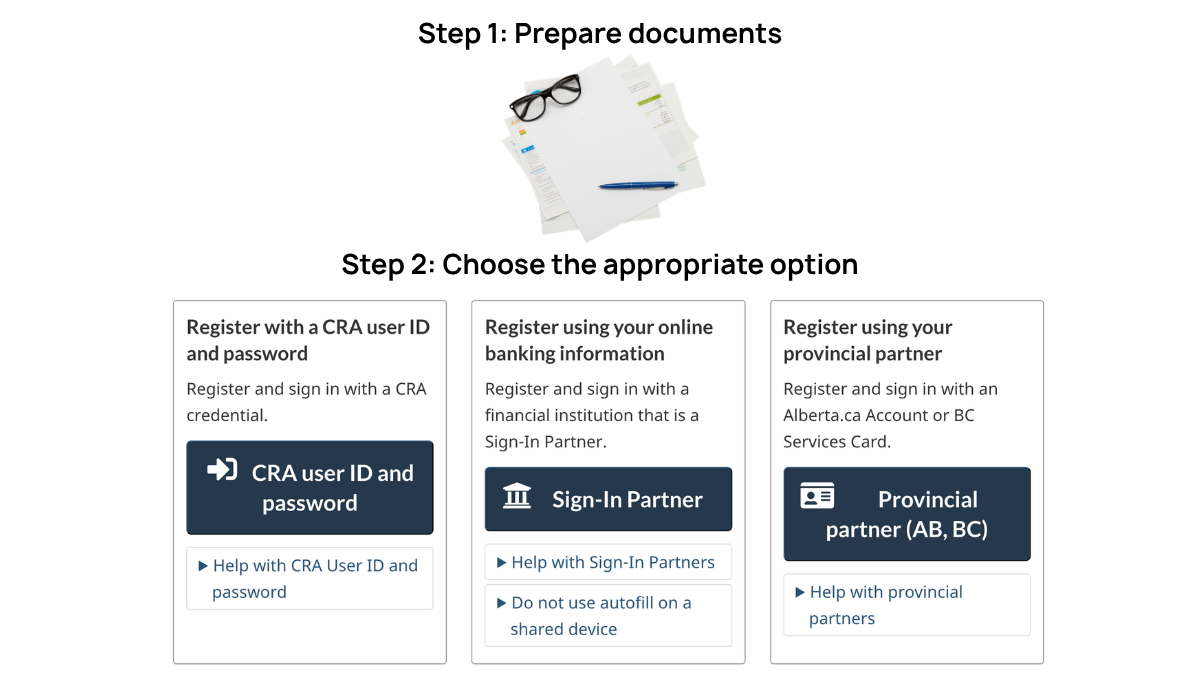
Step 1: Prepare documents
Required documents will be your Social Insurance Number (SIN), Date of Birth, Postal Code, and your latest tax return information.
Step 2: Choose the appropriate option
The option you choose will be the way you sign in to your CRA account
- Sign-In Partner: Use the same banking sign-in information you already use with other financial accounts. But you must have an existing account with one of the CRA’s Sign-In Partners.
- CRA user ID and password: Create a username and password to access your CRA account.
- Provincial partner: If you have an Alberta.ca Account or a BC Services Card, you can access your CRA account.
- GC Key: cannot access your CRA account with GC Key.
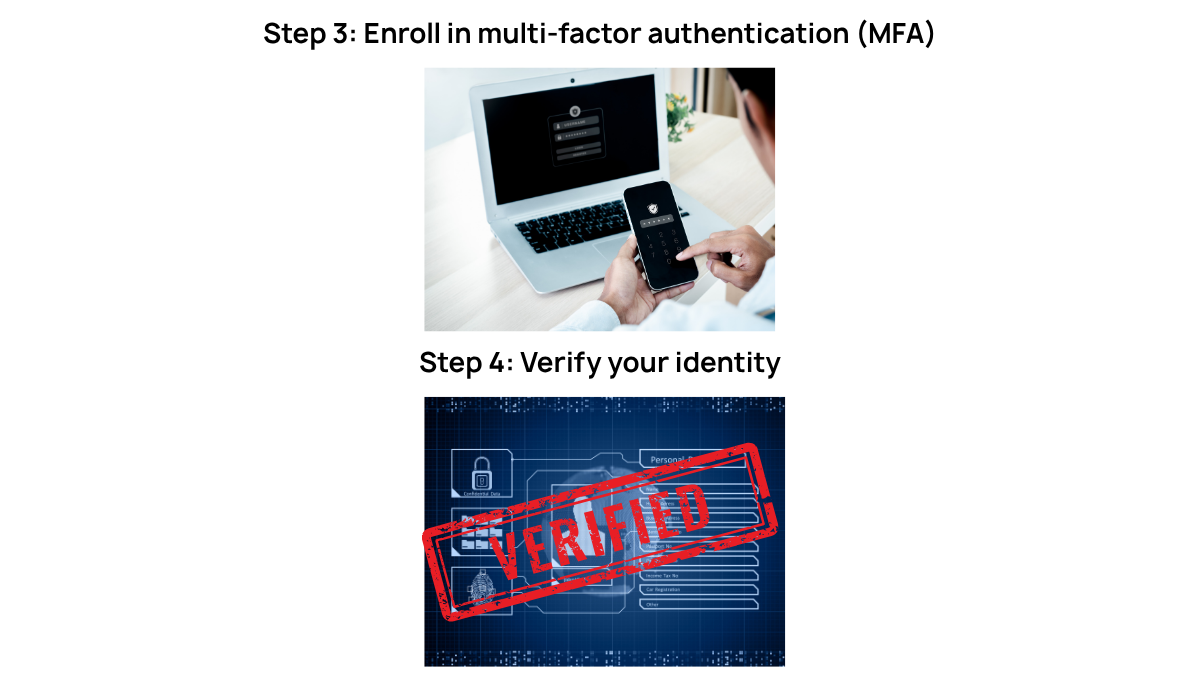
Step 3: Enroll in multi-factor authentication (MFA)
MFA will be asked when you sign in to have a one-time passcode. If you don’t already have a backup MFA method, you will be prompted to have one, although you have an option to skip this step.
If you are already registered, you must use your existing MFA.
If you register for the first time, you will need to set up 2 MFA options to receive your one-time passcode. You can choose from:
- Third-party authentication app
- Passcode grid: If you choose this, you have to generate a grid and save a digital copy to your computer or print off a physical copy for future use.
- Phone: If you choose to set up by phone, enter: phone type, phone number (CRA will send a one-time code to verify your phone number)
Step 4: Verify your identity
There are two ways for you to choose:
- Document verification service:
- CRA security code: CRA will send the security code to the address on file within 10 business days (remember to check your address and update it on time). Important note: Enter the CRA security code into your CRA account before it expires.
Step 5: Access your CRA account and add information
Complete the steps above to add your business, representative, and other accounts to your welcome page.
Benefits of CRA account:
- View tax-related documents/statements and other information, such as RRSP limits, HST benefits, and the amount of the child tax benefit.
- Update your information at any time, from any location.
Source: Government of Canada (n.d.) and Empire (n.d.)
Contact Platform Expand now and receive support to set up CRA account immediately!